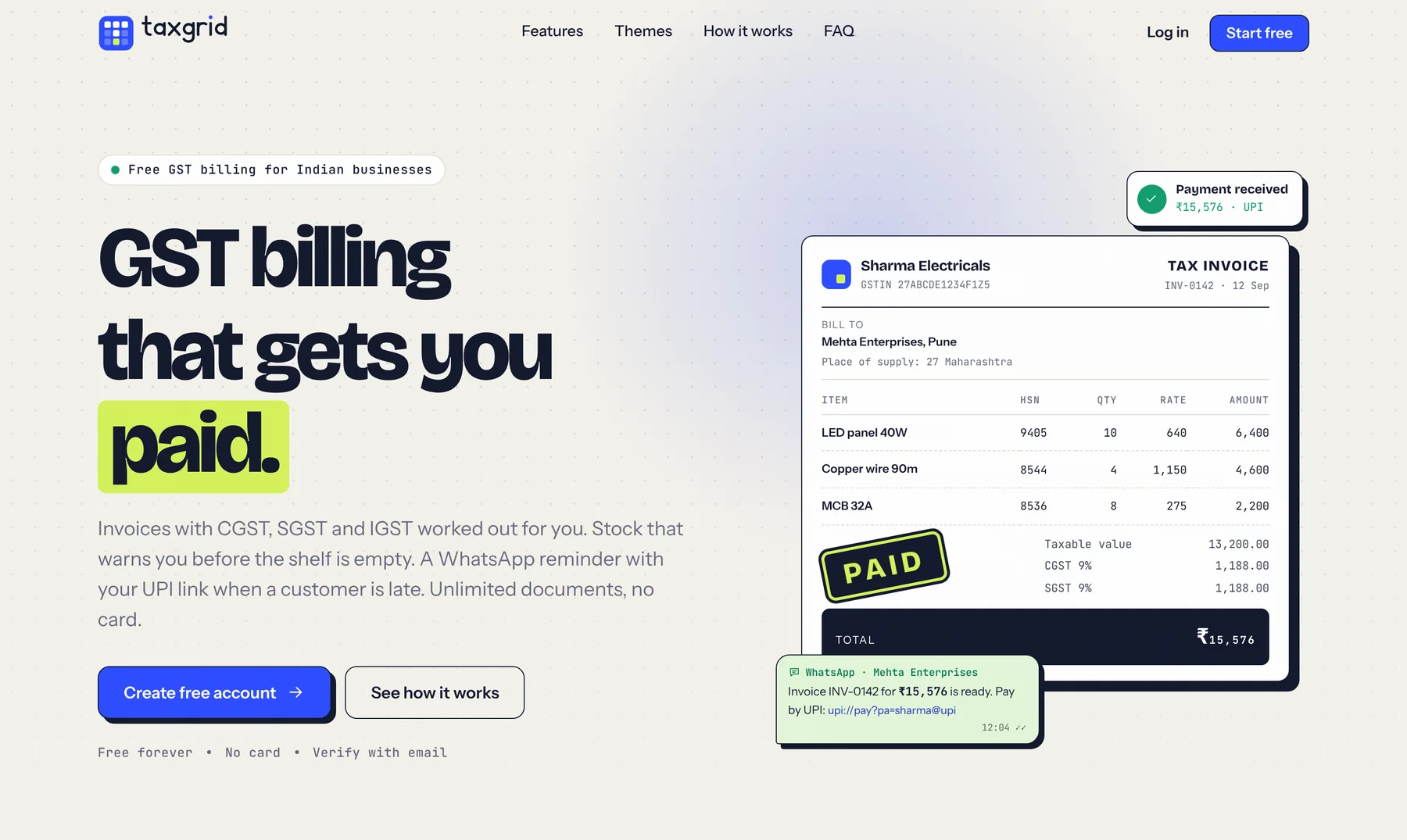


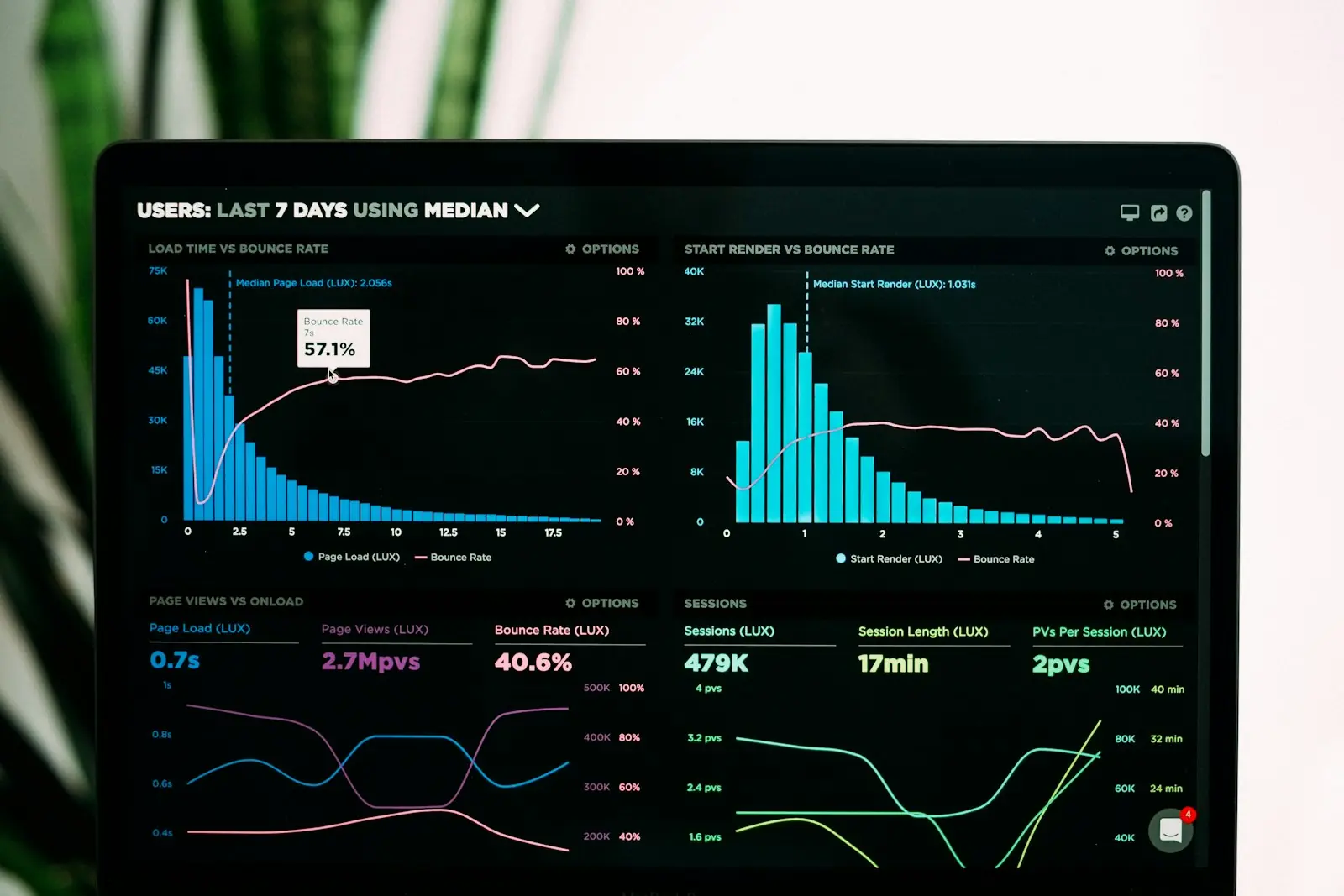
As a business grows, information spreads across billing software, spreadsheets, WhatsApp groups and notebooks. An ERP (Enterprise Resource Planning) system brings it together, so sales, purchase, inventory, accounts, production and HR all work from the same data.
Signs you need an ERP
- Stock figures in the system rarely match the shelf
- Month-end closing takes days of reconciliation
- Managers wait for reports instead of seeing live numbers
- The same data is entered in several places
- Branches or warehouses work in separate systems
Off-the-shelf versus custom ERP
| Off-the-shelf ERP | Custom ERP | |
|---|---|---|
| Time to start | Quick for standard processes | Phased, weeks to months |
| Fit | You adapt to the software | Software adapts to you |
| Licences | Per user, per module, every year | Mostly one-time build plus support |
| Unusual workflows | Workarounds or costly customisation | Built in from the start |
| Integrations | Limited to available connectors | Any system with an API |
| Ownership | Vendor's product | Your system and your data |
If more than a third of your requirements need customisation in a packaged ERP, a custom or hybrid
system is often simpler and cheaper over a few years.
Modules most Kerala businesses start with
- Sales, quotations and GST invoicing
- Purchase and supplier management
- Inventory across shops and warehouses
- Accounts, receivables and payables
- CRM for leads and follow-ups
- HR, attendance and payroll
How to implement an ERP without disruption
- Map your processes and agree what success looks like.
- Clean your data – customers, items and opening balances.
- Start with one or two modules that remove the most pain.
- Train users with real examples, in English and Malayalam if needed.
- Run in parallel briefly, then switch over and add modules in phases.
Frequently asked questions
Can an ERP work across branches with poor internet?
Yes. Cloud ERPs can include offline-friendly screens and sync when the connection returns, and mobile apps help staff in the field.
Can we keep our existing accounting software?
Often, yes. A custom ERP can integrate with your accounting package instead of replacing it on day one.
The bottom line
The right ERP is the one your team actually uses every day. Explore our custom software development practice, see CorporaOne – our ready-to-use business management suite – or talk to us about the best fit for your business.