

Schools, colleges, coaching centres and corporate training teams in Kerala now teach partly online – sharing notes, collecting assignments and running tests through a mix of WhatsApp groups, Google Drive and email. A learning management system (LMS) brings all of that into one organised place for teachers, students and parents.
What an LMS does
| Area | What it handles | Who benefits |
|---|---|---|
| Course content | Notes, slides, videos and reading lists by class and subject | Teachers, students |
| Assignments | Upload, deadlines, submissions, plagiarism checks, marks and comments | Teachers, students |
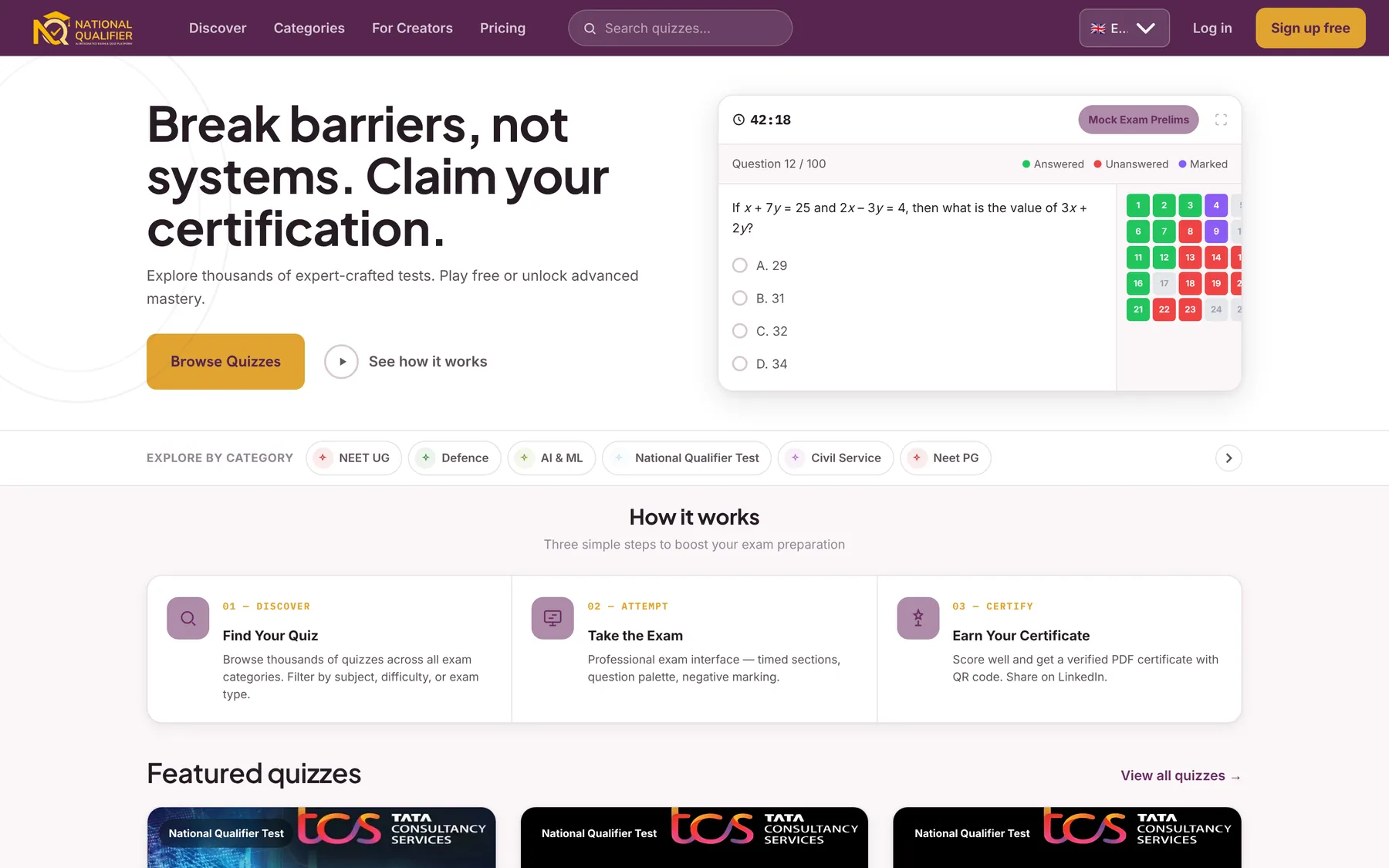
| Tests and quizzes | Question banks, timed tests, automatic marking, results | Teachers, exam cell |
| Live and recorded classes | Video links, recordings and attendance from online sessions | Students who miss class |
| Progress and reports | Marks, completion and engagement by student and class | Teachers, principals, parents |
| Communication | Announcements, messages and reminders | Everyone |
Features to look for
- A simple mobile app – most students and many teachers will use it on a phone
- Works on slow connections, with downloadable notes and videos
- Malayalam and English interface and content where needed
- Question banks with different question types and randomised tests
- Role-based access for management, teachers, students and parents
- Reports a principal can read in a minute
- Integration with attendance, fees, admissions and certificates
Ready-made, open source or custom?
Ready-made cloud platforms are quick to start. Open-source systems such as Moodle are flexible but need someone to host, update and support them. A custom or customised LMS makes sense when you need your own workflows – for example university-style internal marks, hostel and transport modules, or a branded app for a coaching institute. Many institutions combine a proven core with custom modules and integrations.
Rolling it out
- Pick a pilot: one department or two classes with willing teachers.
- Set up the structure: years, classes, subjects, teachers and student accounts.
- Train champions: a short hands-on session, then teachers who help their colleagues.
- Move one habit at a time: notes first, then assignments, then tests.
- Review after a month: usage, feedback and what to improve before expanding.
Protect student data
An LMS holds personal data about students, often children. Use strong passwords and multi-factor authentication for staff, limit who can see marks and contact details, keep backups, and follow India's DPDP Act, which needs verifiable parental consent for processing children's data.
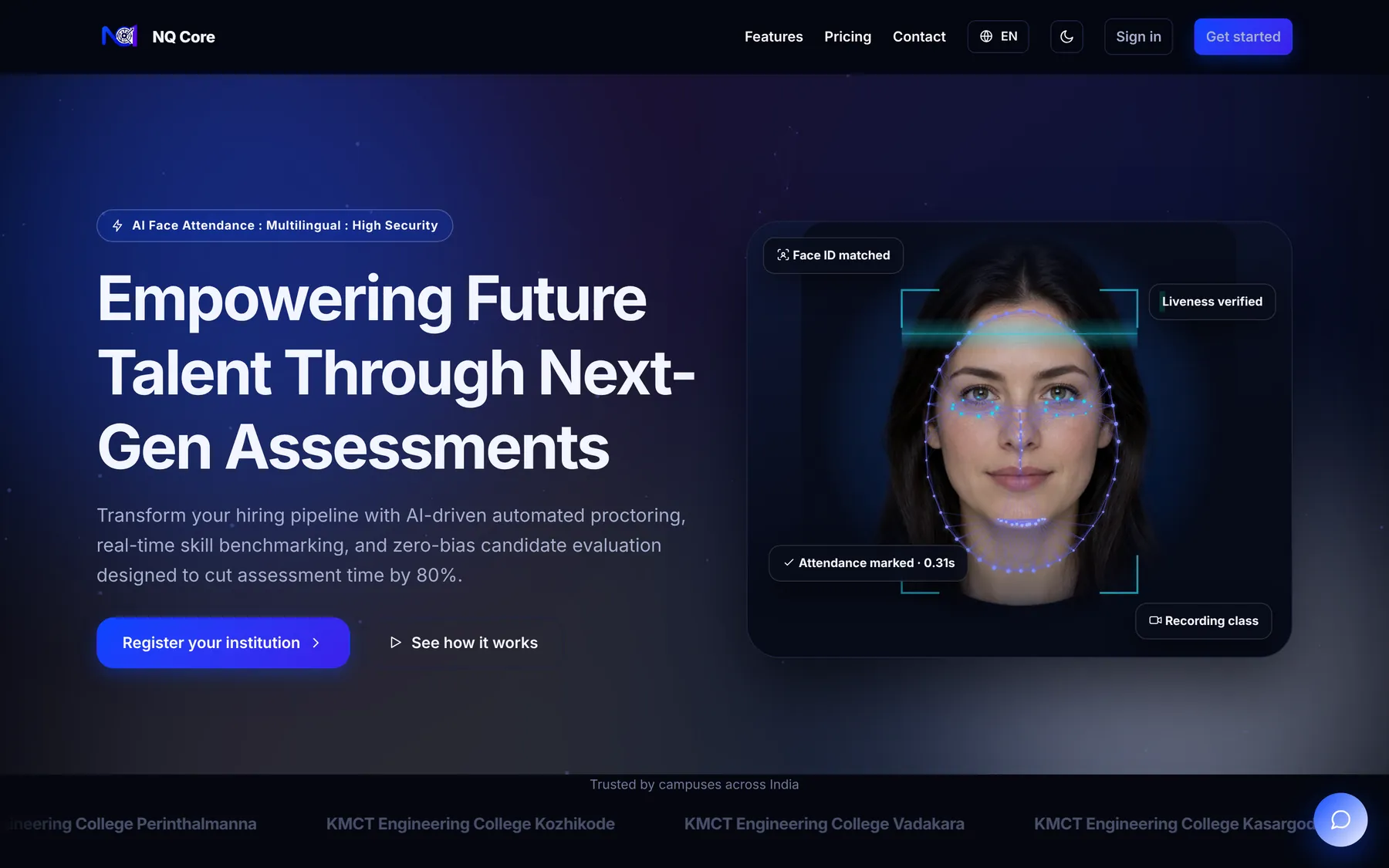
Tinos builds education software including institution management, attendance and assessment platforms – see attendance and institution management for colleges – and custom applications and mobile apps for schools and training institutes.
Frequently asked questions
Can an LMS replace classroom teaching?
No. It supports teaching – organising material, assignments and tests and helping students who miss class. Most schools and colleges use it alongside classroom teaching.
Will it work for students with basic phones and slow internet?
Choose a lightweight mobile app with downloadable content and low-data video options, and test it on the phones your students actually use.
How long does it take to set up?
A ready-made LMS can be running for a pilot in a few weeks. A customised system with integrations usually takes two to four months, depending on scope.