


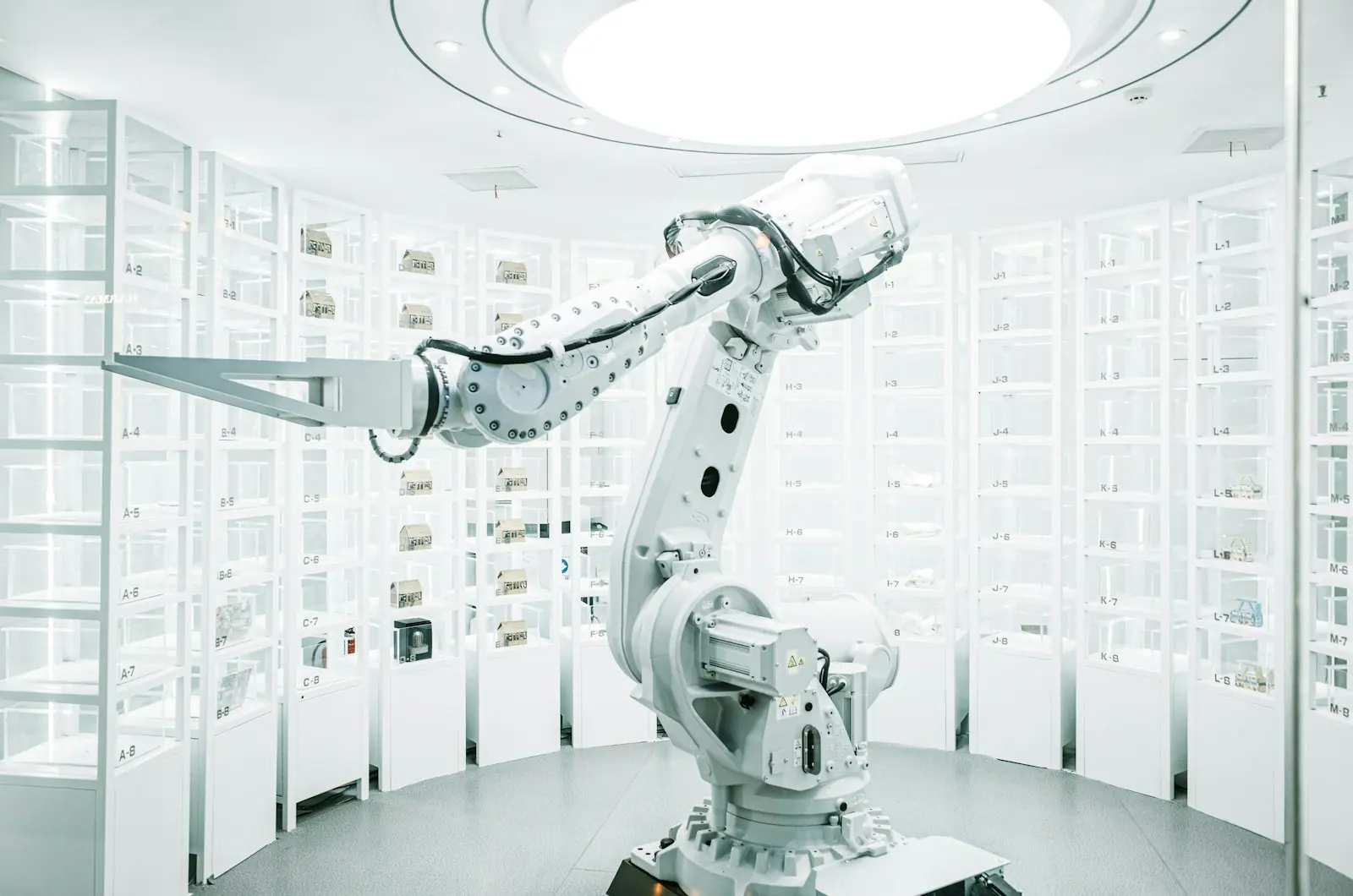
Automation is not new – factories have used machines for centuries. What has changed is cost and accessibility. Sensors, collaborative robots, cloud software and AI now put automation within reach of mid-sized manufacturers, warehouses, hospitals and offices, not just large plants.
The goal is not to replace people. It is to take the repetitive, error-prone and unsafe tasks off their hands, so they can focus on work that needs judgement and skill.
Two kinds of automation
| Physical automation | Business process automation | |
|---|---|---|
| Works on | Materials, products and equipment | Information, documents and approvals |
| Typical tools | Robotic arms, conveyors, PLCs, sensors, machine vision | Workflow software, integrations, RPA bots, AI |
| Examples | Pick-and-place, packaging, inspection, welding | Order entry, invoicing, onboarding, reporting |
| Main benefits | Throughput, consistency, safety | Speed, accuracy, staff time |
Spotting the right tasks to automate
- Repeated many times a day or week
- Follows clear, stable rules
- Prone to errors when people are tired or rushed
- Dangerous, dirty or physically demanding
- A bottleneck that holds up the rest of the process
Industrial automation in practice
Robotic arms and cobots
Traditional industrial robots are fast and precise but work behind safety fences. Collaborative robots (cobots) are designed to work alongside people with built-in safety features, which makes them practical for smaller production runs.
Machine vision inspection
Cameras and AI models inspect every item for defects, labels and dimensions – consistently, at line speed, and with a photo record of each rejection.
Sensors and industrial IoT
Sensors on motors, pumps and production lines report temperature, vibration and output in real time, enabling dashboards, alerts and predictive maintenance before equipment fails.
Business process automation in practice
In offices, much of the repetitive work is moving information between systems. Integrations connect your CRM, ERP, accounting and e-commerce tools so data flows automatically. Where a system has no API, robotic process automation (RPA) bots can operate its screens like a person would. Approvals, reminders and notifications run through a workflow engine instead of email chains.
Safety and people come first
- Carry out a risk assessment for any machine that works near people, and follow the relevant safety standards.
- Design manual overrides and safe stop procedures, and train the team on them.
- Involve operators early – they know the workarounds and failure points.
- Plan reskilling, so people move into supervision, maintenance and quality roles.
How to get started
- Map and measure the current process – cycle time, error rate, cost and safety incidents.
- Prioritise tasks by value, ease and risk, and pick one to pilot.
- Prototype with the people who do the work, and test in a controlled setting.
- Roll out with training, clear procedures and support.
- Monitor and improve – compare results with the baseline, then move to the next task.
Frequently asked questions
Is automation affordable for a mid-sized business?
Often, yes. Cobots, cloud workflow tools and modular sensors have lowered the entry cost, and a focused pilot shows the return before larger investment.
Can automation work with our existing machines and software?
Usually. Older equipment can be fitted with sensors and controllers, and most business software can be integrated through APIs or RPA.
What happens to the people whose tasks are automated?
The most successful projects redeploy them to higher-value work – supervising systems, maintenance, quality and customer-facing roles – and involve them from the start.
The bottom line
Automation pays off when it targets the right tasks, keeps people safe and is measured against a clear baseline. Our Tinos Robotics wing builds robotic and industrial automation, and our custom software practice automates business workflows. Talk to us about the first process you would like to automate.