


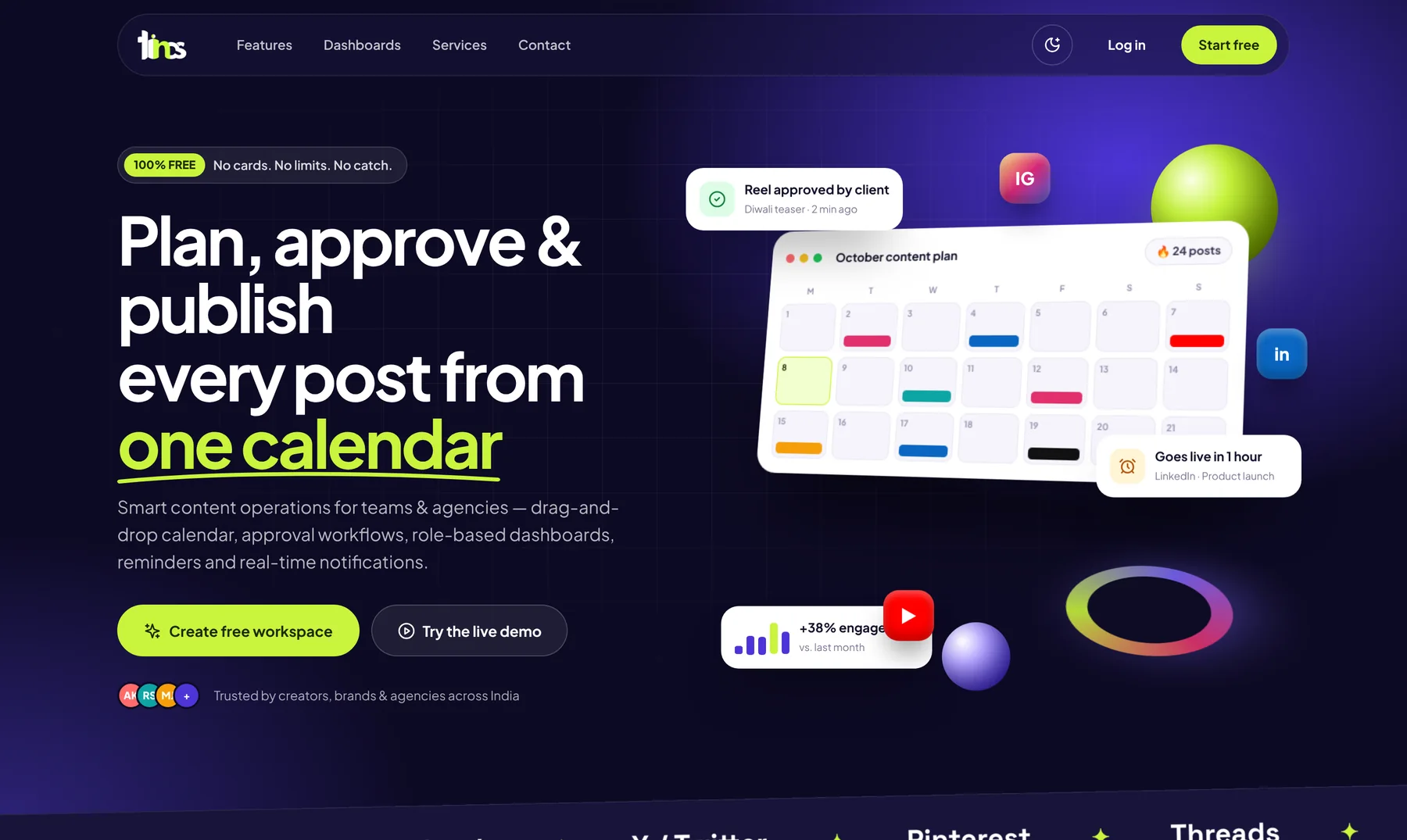
Posting consistently is one of the biggest challenges for brands and agencies. Ideas arrive late, approvals stall and posts go out in a rush. A content calendar fixes this by turning social media into a planned, repeatable process.
Step 1: set themes for the month
Start with three or four themes – a product launch, customer stories, tips, festivals and events – and decide how often each appears. Themes keep content varied and on-message.
Step 2: map the calendar
- Fix posting days for each platform
- Add key dates: launches, offers, Onam, Christmas, Ramzan, Vishu and other festivals
- Assign each slot a theme, format (Reel, carousel, story) and owner
- Leave a few slots open for timely news
Step 3: create in batches
Writing captions and designing posts in batches is far faster than one at a time. Shoot several Reels in one session and edit them together.
Step 4: use a clear approval workflow
| Stage | Who | What happens |
|---|---|---|
| Draft | Creator | Writes caption, adds creative |
| Review | Content manager | Checks quality and brand fit |
| Approve | Client or brand owner | Approves or requests changes |
| Live | Manager | Schedules and publishes |
Step 5: measure and improve
Each month, review reach, engagement, best posting times and top posts by brand. Do more of what works and drop what does not.
Tinos Planner: a free content calendar
Tinos Planner is our free social media and content calendar for teams and agencies: drag-and-drop month, week and list views, approval workflows, reminders and live notifications, role-based dashboards for managers, creators and clients, analytics, campaigns and multi-brand management.
Frequently asked questions
How far ahead should we plan?
A month is a good rhythm for most brands, with a weekly check to add timely posts.
Which platforms does this work for?
The same process works for Instagram, Facebook, LinkedIn, YouTube, X, Pinterest and Threads.
The bottom line
Plan once, create in batches, approve in one place and learn every month. Start free with Tinos Planner, or let Tinos Productions & Media create the content for you.