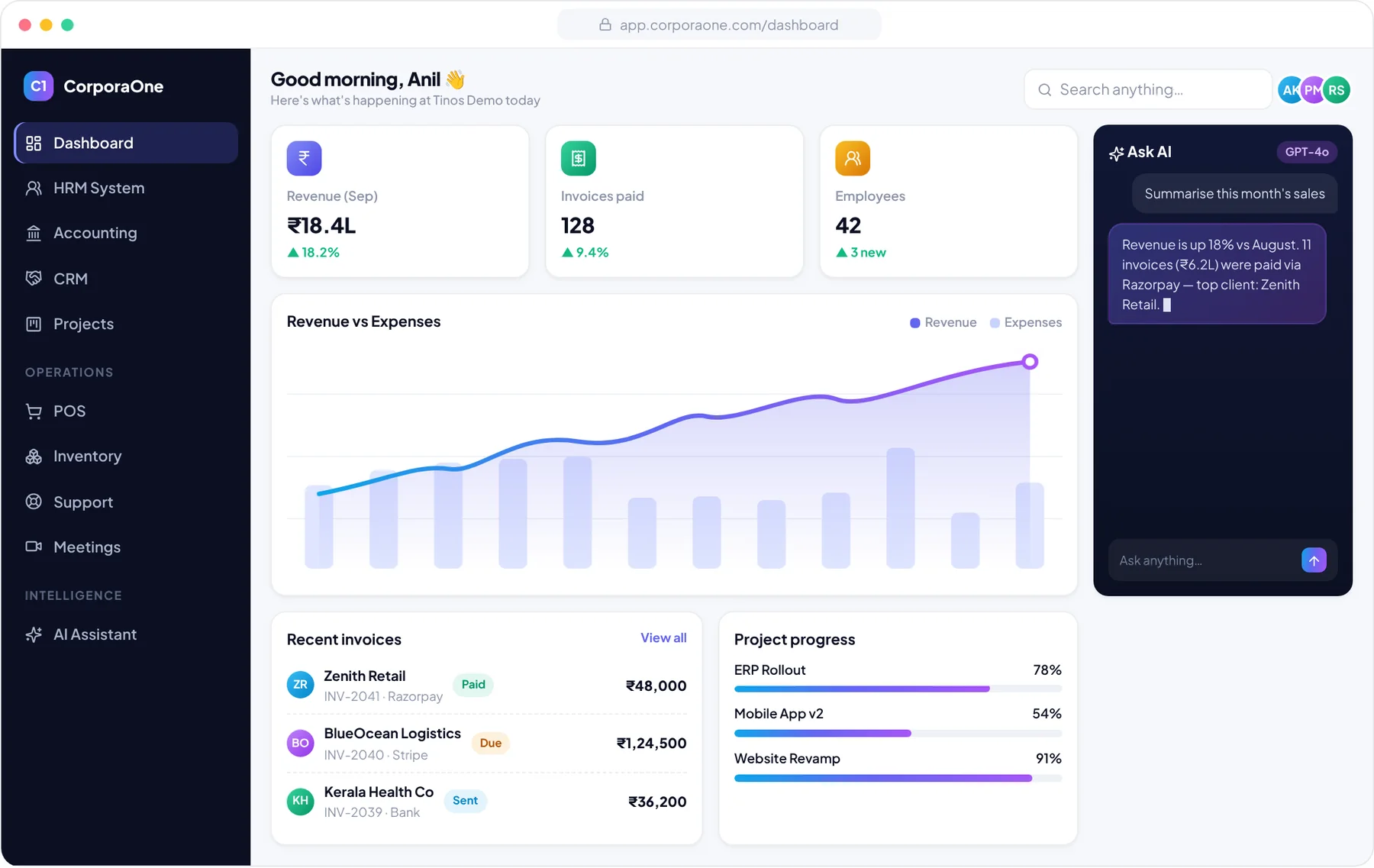



For years, artificial intelligence felt like something for tech giants and research labs. That has changed. Today, AI is built into the everyday software businesses already rely on – CRMs, accounting systems, support desks and HR tools – and it is quietly changing how decisions get made.
The shift is less about robots replacing people and more about giving every team better information, faster. Here is what that looks like in practice, and how to start.
From hindsight to foresight
Traditional reports tell you what happened last month. AI-integrated software uses that same history to suggest what is likely to happen next – and what you might do about it.
| Area | Traditional software | AI-integrated software |
|---|---|---|
| Sales | List of open leads | Leads ranked by likelihood to convert |
| Inventory | Current stock levels | Forecast of what to reorder and when |
| Finance | Overdue invoices report | Customers likely to pay late, flagged early |
| Support | Queue of tickets | Tickets classified, prioritised and drafted replies |
| Management | Static dashboards | Ask questions in plain language and get answers |
Five practical use cases businesses are adopting now
1. Demand and sales forecasting
Models trained on your sales history, seasonality and promotions help you plan stock, staffing and cash flow with fewer surprises.
2. Intelligent document processing
Invoices, purchase orders, KYC documents and forms can be read automatically, with key fields extracted and checked – cutting hours of manual data entry.
3. Customer support assistants
Chatbots and assistants trained on your own policies and product information answer common questions instantly, on your website or WhatsApp, and hand complex cases to a person with the context already gathered.
4. Sales prioritisation
Instead of working leads in the order they arrived, teams focus on the ones most likely to buy, with suggested next steps and drafted follow-ups.
5. Anomaly and fraud detection
AI watches transactions, logins and operations for unusual patterns – a duplicate invoice, an odd payment or a sudden change in behaviour – and alerts the right person.
What makes an AI project succeed
- A clear decision to improve – for example "which leads to call first", not "use AI somewhere".
- Enough relevant data, cleaned and connected from the systems where it lives.
- Integration into daily tools, so recommendations appear where people already work.
- Measurable outcomes – time saved, accuracy, conversion or cost – agreed before you start.
- Privacy and governance – control over what data is used, who sees it and how much it costs.
A simple roadmap to get started
- Pick one high-value process with plenty of data and a decision that is made often.
- Run a short discovery to check data quality, define success and estimate costs.
- Build a pilot inside the tool your team already uses, with a small group of users.
- Measure against the baseline, gather feedback and refine.
- Scale to more users and processes once the results are proven.
Frequently asked questions
Do we need a lot of data to use AI?
Not always. Many assistants work well with your existing documents and policies, while forecasting needs a reasonable history. A short discovery will tell you what is realistic.
Is our business data safe?
It can be. Well-designed solutions control exactly which data is used, keep it within agreed boundaries and log usage – choices that should be made at the start of the project.
Will AI replace our team?
In practice, AI removes repetitive work so people can spend more time on judgement, relationships and problem-solving.
The bottom line
AI-integrated software turns the data you already have into faster, better-informed decisions. Start with one clear problem, prove the value and grow from there. Explore our artificial intelligence practice, see CorporaOne – our AI-powered business management suite – or talk to us about a pilot.